If your phone has ever flashed that dreaded “Storage full” warning right when you tried to take a photo, you are not alone. As more people use their smartphones as camera, office, and entertainment center all in one, the internal memory fills up fast.
A recent guide from Spanish outlet elEconomista.es highlights a simple workaround that turns an old school USB stick into a pocket backup tool you can use even when there is no computer in sight.
Why USB sticks still matter in a cloud world
Cloud services are handy, but they are not always the answer. On vacation, hotel WiFi can crawl. Long flights still feel like offline zones. Some people also prefer not to push every family photo into an online account. In those moments, a small flash drive in your bag can feel surprisingly modern again.
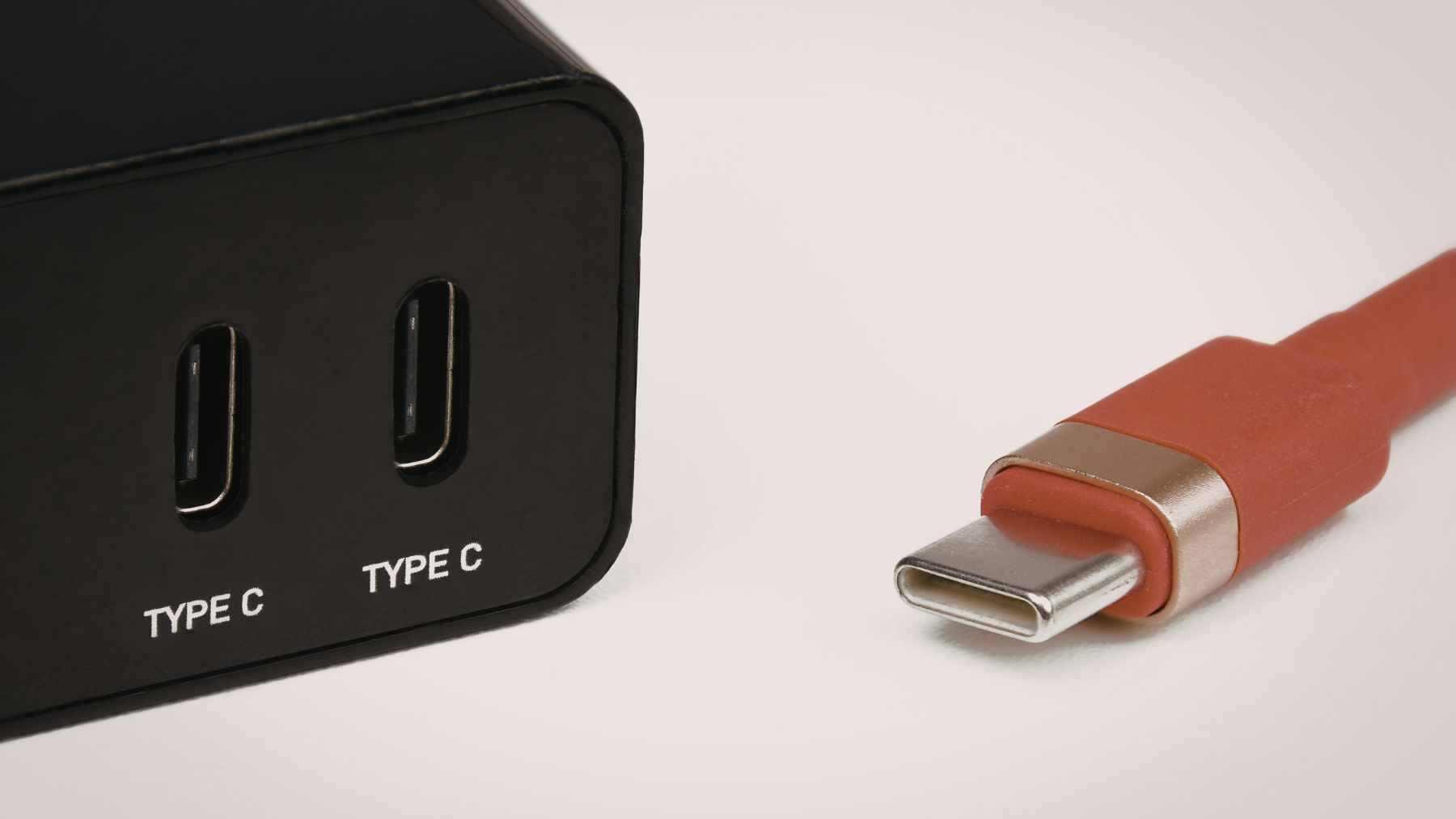
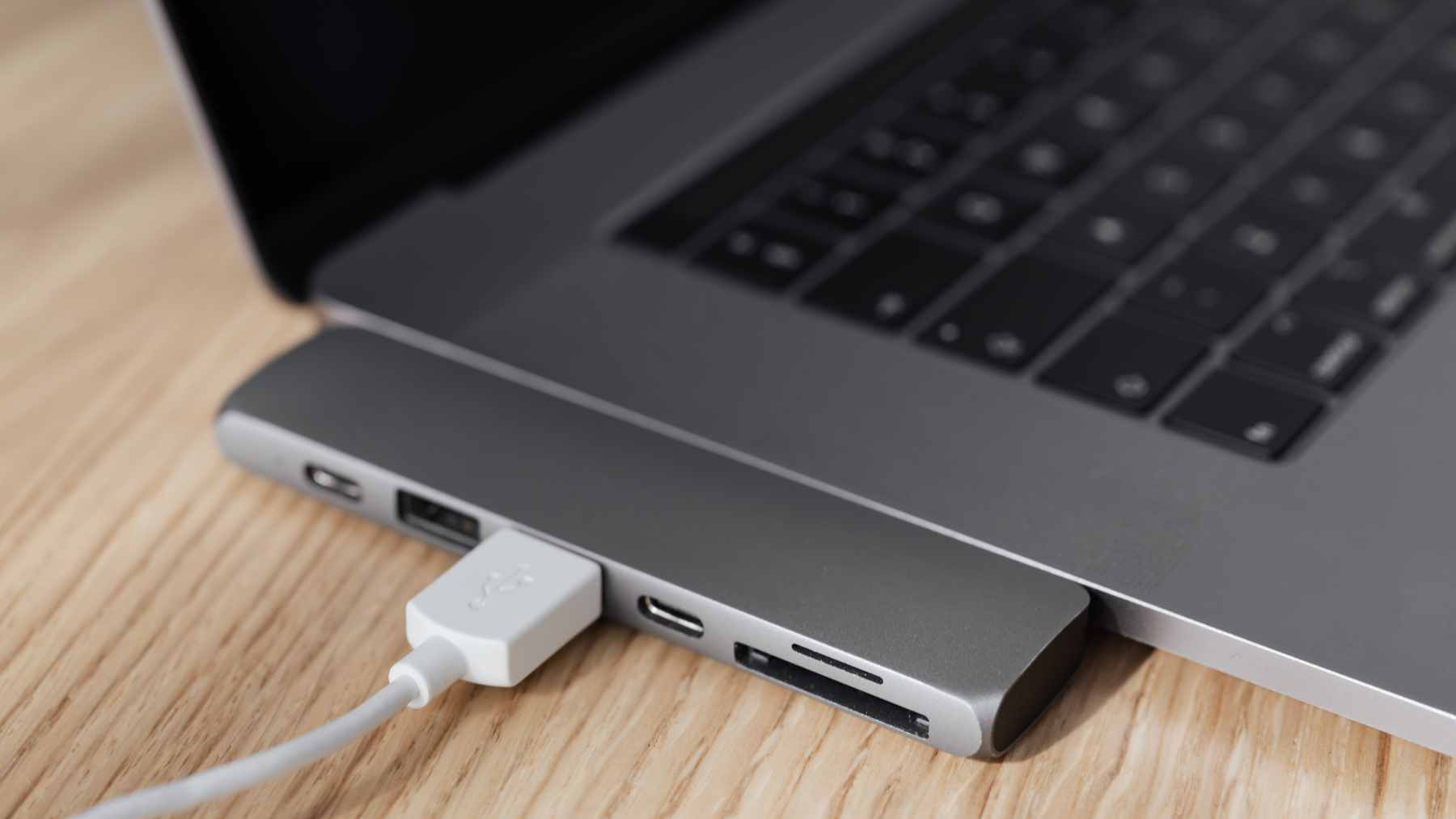
According to several tech guides, one reason people stopped using USB drives with phones is that the ports simply do not match. Phones rely on USB C or Lightning connectors, while classic pendrives use the rectangular USB A plug.
That mismatch used to force you to bring a laptop as the middleman. Not anymore.
How OTG adapters create a direct bridge
The first option highlighted by elEconomista is the On The Go adapter, often called OTG. If you already have a regular USB stick, you plug it into the adapter, then plug the adapter into your phone. One side has a male connector that fits your handset, usually USB C or Micro USB.
The other side offers a female USB A port for your drive.
Many Android phones support OTG so they can read external storage directly. Tech sites recommend checking your model specs or trying a small adapter before you rely on it for a major backup. Prices are modest in Europe, often just a few euros, which makes this an easy add to a key ring or travel pouch.
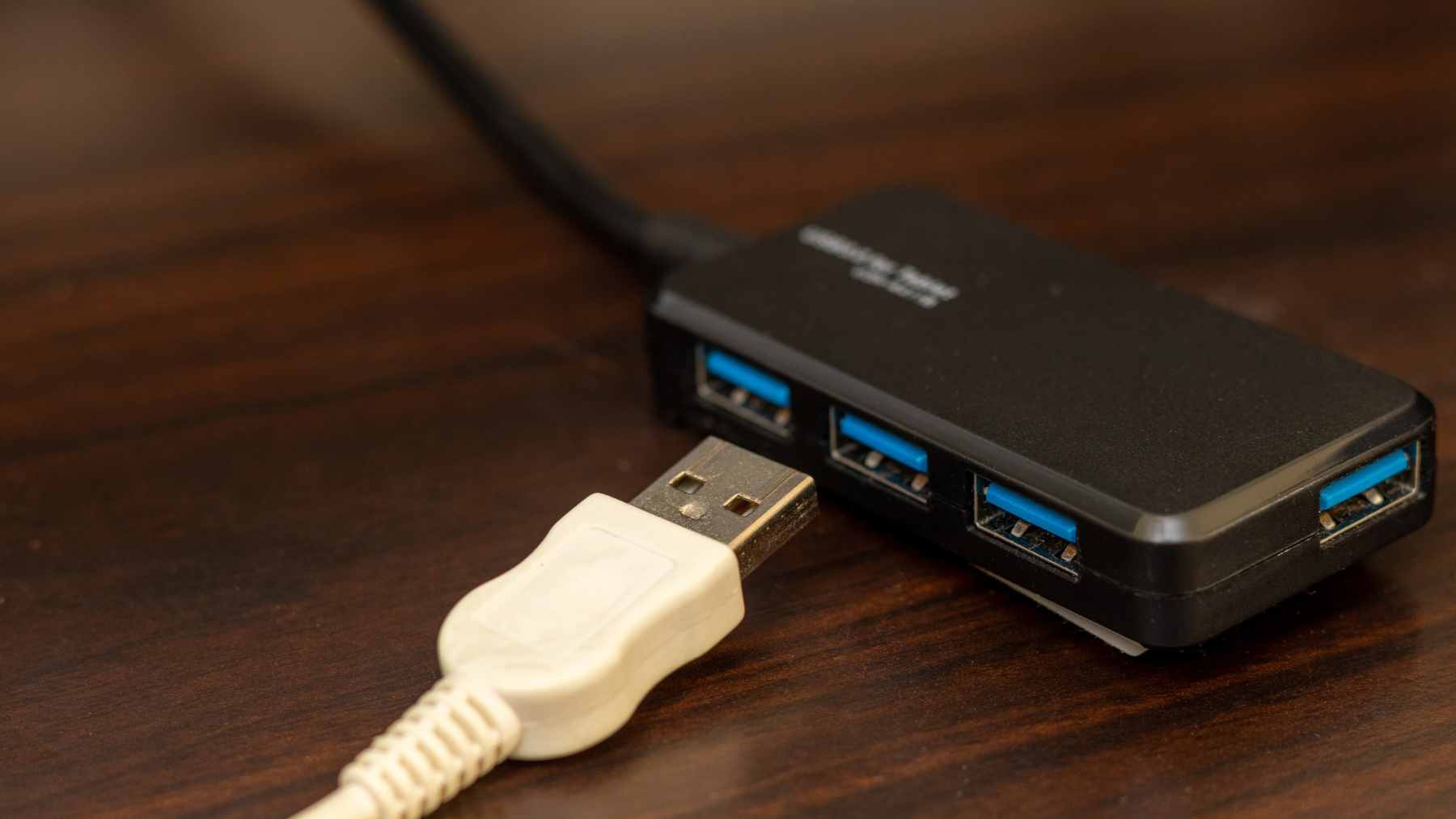
Once connected, the phone usually shows a notification that a USB drive has been added, then lets you move photos, videos, and documents using the file manager. It may not be as slick as automatic cloud backup, but it works even in airplane mode.
Dual connector drives for grab-and-go backups
The second route skips adapters entirely. Dual connector drives combine a standard USB plug on one end and a USB C or Lightning plug on the other. You plug one side into the phone, copy your files, then plug the other side into a computer later.
For travelers or people who do not want to juggle extra cables, this setup feels simpler. You toss a single stick into your bag, and it talks to both your phone and your laptop. Many models offer 64 or 128 gigabytes of space, which is plenty for offloading a vacation’s worth of photos.
A few things to keep in mind
Experts note that not every phone handles OTG in the same way, so compatibility is worth checking before you rely on it for critical data. Reading reviews and choosing reputable brands can help avoid flaky adapters that disconnect at the worst moment.
For everyday users, though, these tiny accessories provide a very practical safety valve. When your phone fills up during a birthday party or a weekend trip, you can move your files to a USB drive in minutes, no laptop required.