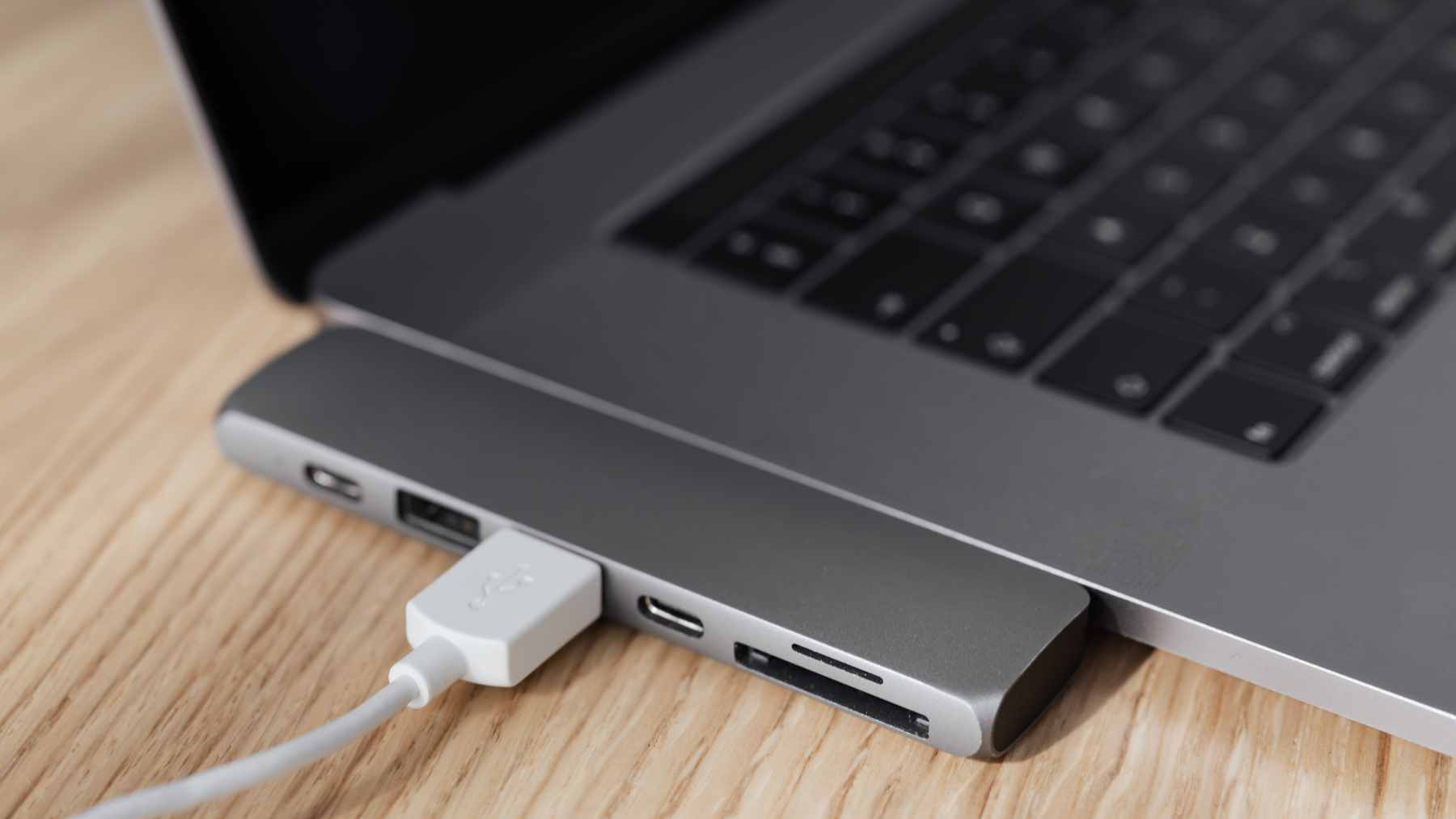
For years, many of us treated USB-C cables like cheap office supplies, grabbing whatever was closest and assuming it would work like any other. That illusion breaks fast when an external SSD copies files at a crawl or a laptop refuses to fast charge, leaving you staring at a loading bar that barely moves.
So why does one cable work perfectly while another slows everything down?
Tech writer Oluwademilade Afolabi recently unpacked this everyday frustration and pointed to one small clue printed on better cable boxes. USB4. Once you understand what those characters stand for, your cable drawer stops feeling like a lottery and starts to look like a set of tools for different jobs.
USB-C shape, very different speeds
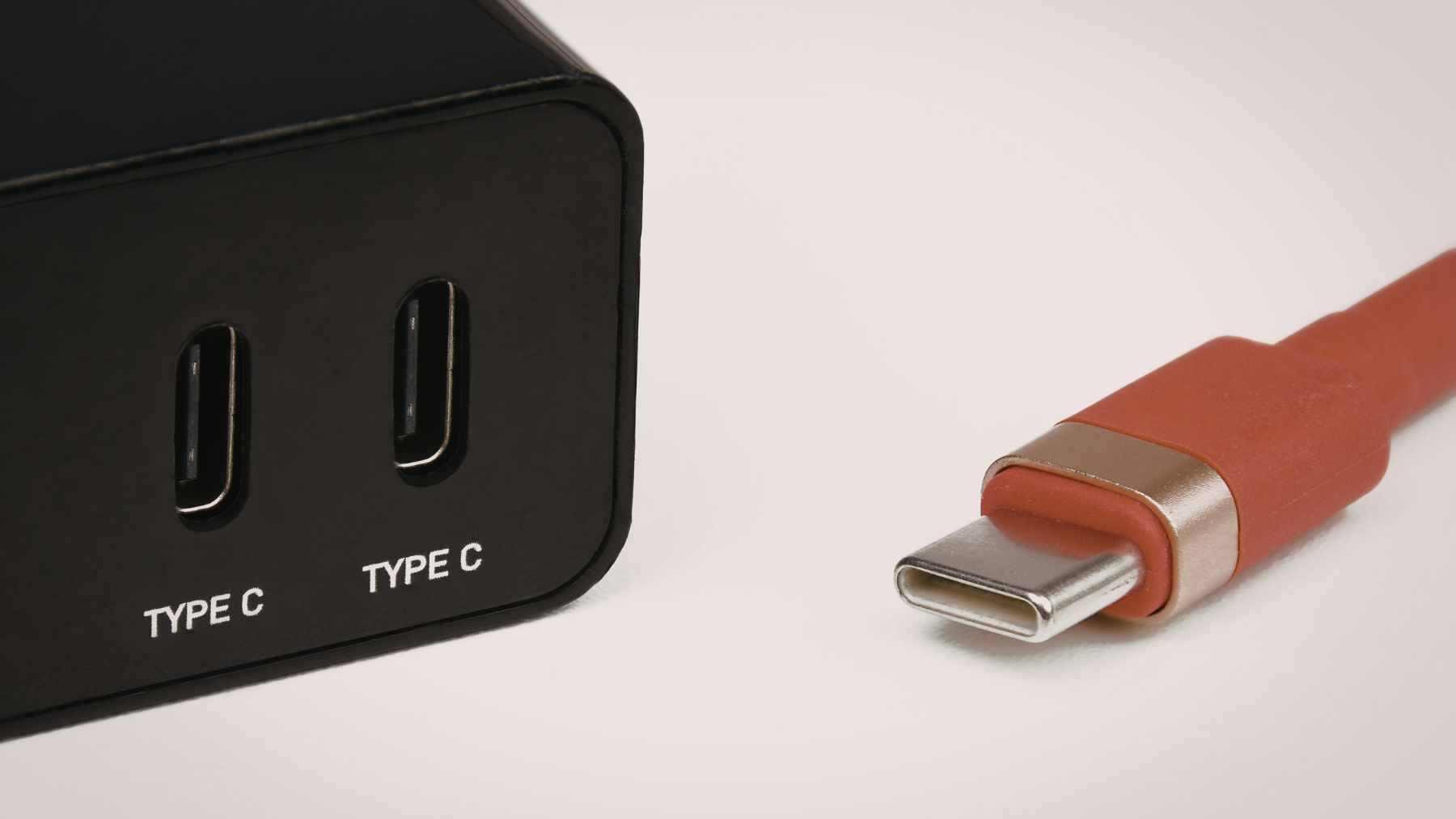
USB-C is only the shape of the connector, not a guarantee of performance. The same slim oval plug can hide different standards inside, from older USB 2.0 to newer USB 3.2 versions, and low cost USB-C cables often run at basic USB 2.0 speeds, which top out at about 480 megabits per second.
That is fine for charging earbuds or syncing a few photos, but it is a nightmare if you are moving a 4K video project or backing up a laptop. With so many generations of USB that all fit the same port, two cables that look identical can act like totally different products, which is the confusion USB4 was created to solve.
How USB4 changes the cable game
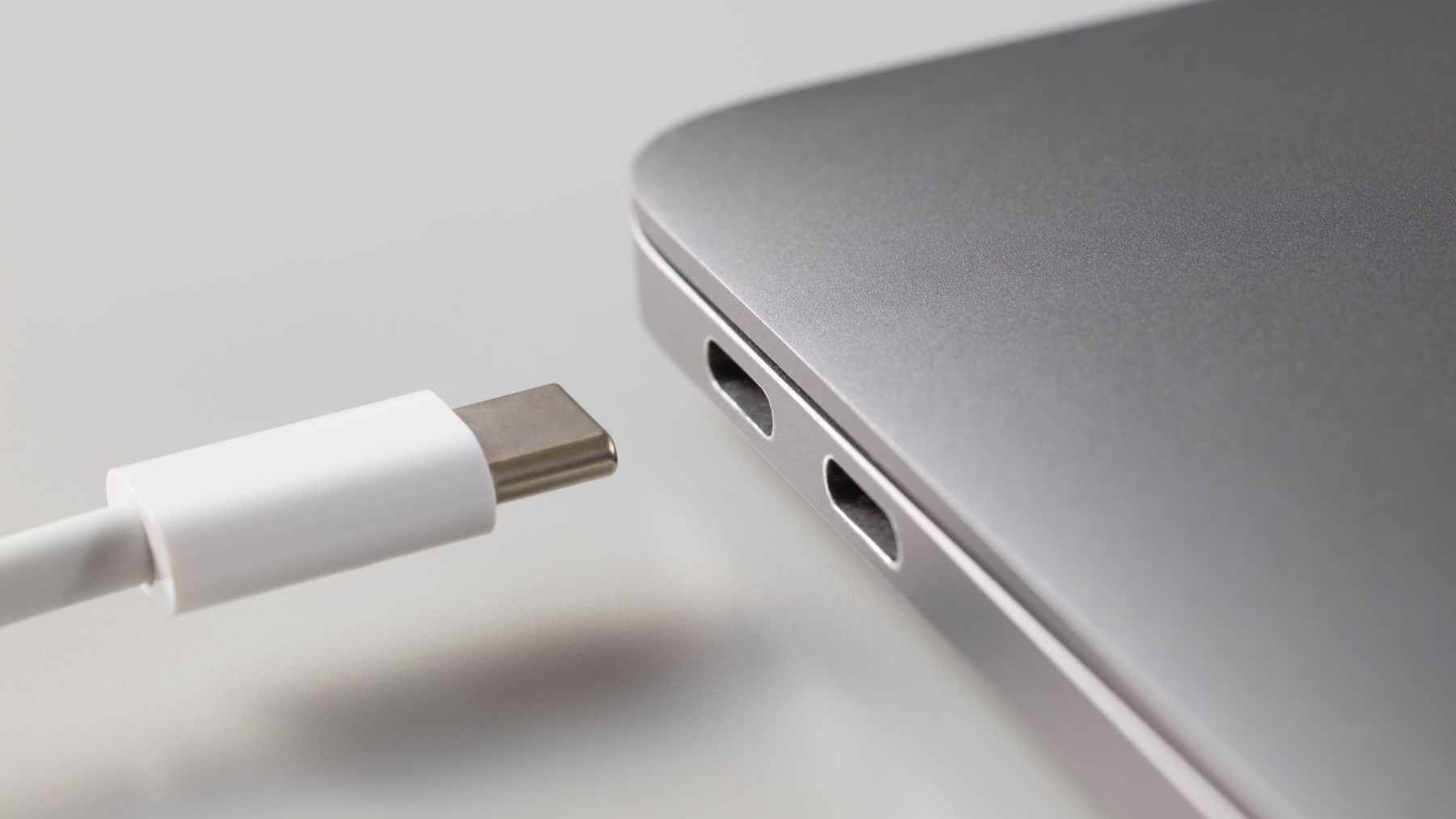
USB4 was introduced in 2019 by the USB Implementers Forum, building on Intel’s Thunderbolt 3 technology to bring abilities together in one standard. It supports data rates of 20 and 40 gigabits per second, and USB4 version 2 raises that ceiling even higher, enough to keep external SSDs close to their rated speeds and comfortably handle high resolution video.
More importantly, USB4 can split its bandwidth between data, video, and other traffic instead of dedicating a separate cable to each job.
To support this, proper USB4 cables carry clear markings such as USB 40Gbps along with power ratings that show whether they can safely handle 100 watt or 240 watt charging, and they include tiny E-Marker chips that act like a digital passport and tell your phone or laptop exactly how much the cable can handle.