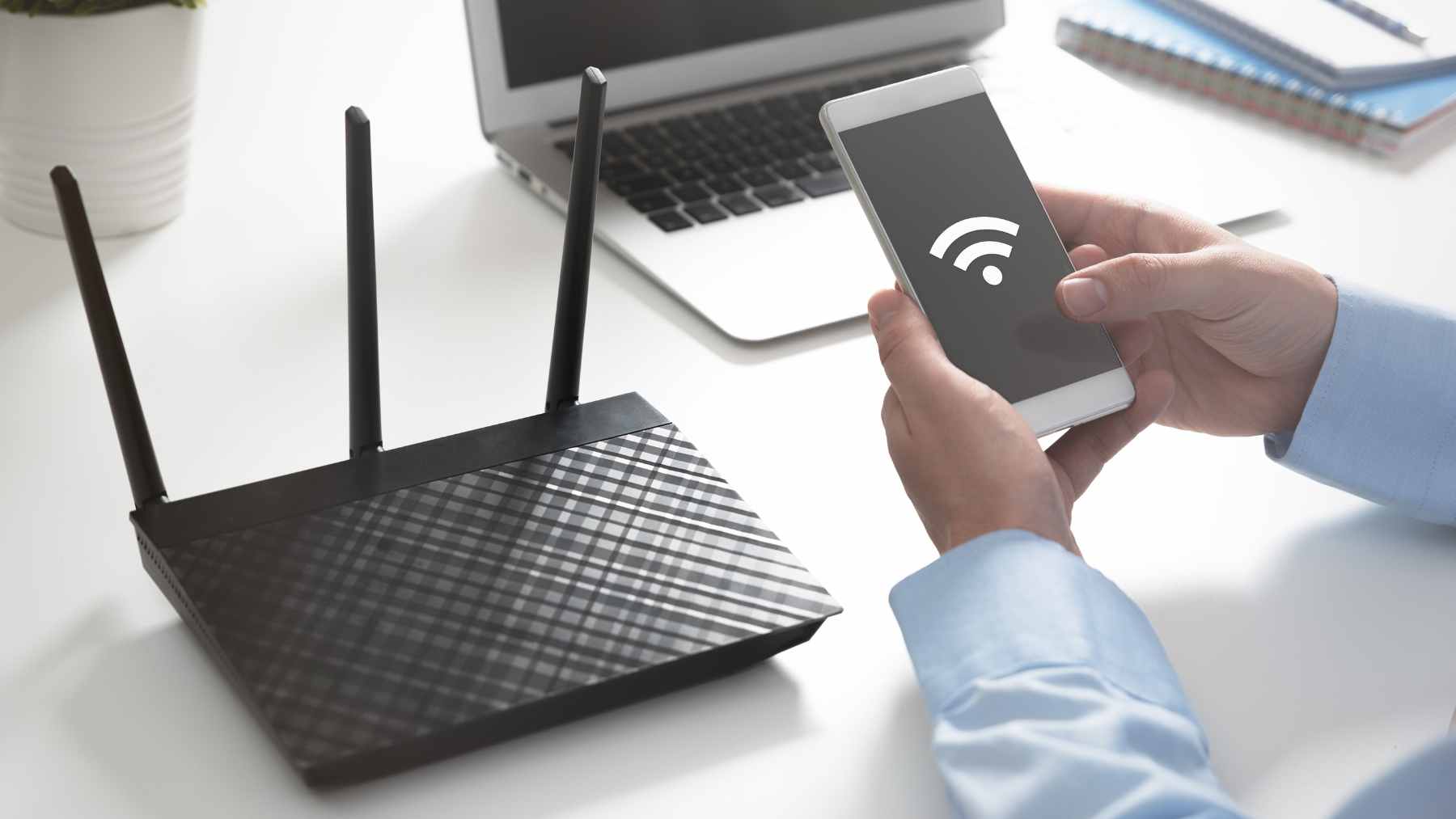
If your Wi-Fi drops the moment you walk into the back bedroom or the basement, your first instinct is usually to buy a range extender. But a new tip making the rounds says you might already own a “good enough” extender, and it is probably sitting in a drawer with a dead SIM card.
The idea is simple. Some older Android phones can be set up to share an existing Wi-Fi connection through their hotspot feature, which can extend coverage into those annoying dead zones.
It will not beat a modern mesh system, but it can save money and, more importantly, keep one more gadget out of the growing global pile of electronic waste.
How the phone-as-repeater trick works
French tech outlet Les Numériques recently laid out a straightforward approach: connect the old Android device to your home Wi-Fi, turn on “Mobile Hotspot,” set a network name and password, and place the phone somewhere between your router and the weak-signal area while keeping it plugged in.
Here is the key detail that makes or breaks it. On many devices, hotspot mode normally shares cellular data, not Wi-Fi, and it can even disable Wi-Fi entirely when turned on. But some Android phones support “Wi-Fi sharing,” which lets the hotspot rebroadcast the phone’s current Wi-Fi connection instead of its cellular connection. (insights.samsung.com)
That mismatch is why people get frustrated trying this at home. If your device does not offer a Wi-Fi sharing option (or it forces Wi-Fi off as soon as hotspot turns on), it will not function like a repeater in the way the hack promises.
E-waste is growing faster than recycling
A weak Wi-Fi signal does not sound like an environmental story, until you zoom out. The World Health Organization says the world generated about 62 million metric tons of e-waste in 2022 (roughly 137 billion lbs.), and only 22.3% was documented as formally collected and recycled.
That matters because old electronics do not just sit there harmlessly. The WHO notes that lead is commonly released into the environment when e-waste is recycled, stored, or dumped through informal methods, and unsafe recycling can release “up to 1000 different chemical substances” including known neurotoxicants.
The business stakes are huge, too. A United Nations press release tied to the Global E-waste Monitor says less than a quarter of 2022 e-waste was properly collected and recycled, leaving about $62 billion worth of recoverable resources unaccounted for, and it warns e-waste generation is on track to reach 82 million metric tons by 2030 (about 181 billion lbs.).
Manufacturing is the footprint you do not see
People often focus on the electricity a device uses at home. In reality, a big share of tech’s climate impact shows up long before the “power” light ever turns on.
Apple’s iPhone 17 Product Environmental Report is a useful example because it breaks emissions into phases. For the iPhone 17 (256GB), Apple reports 55 kg of CO2e net greenhouse gas emissions (about 121 lbs.), with the largest slices coming from production materials and process emissions at 53% and production electricity at 23%.
Electricity for charging is shown as a small fraction of the overall footprint.
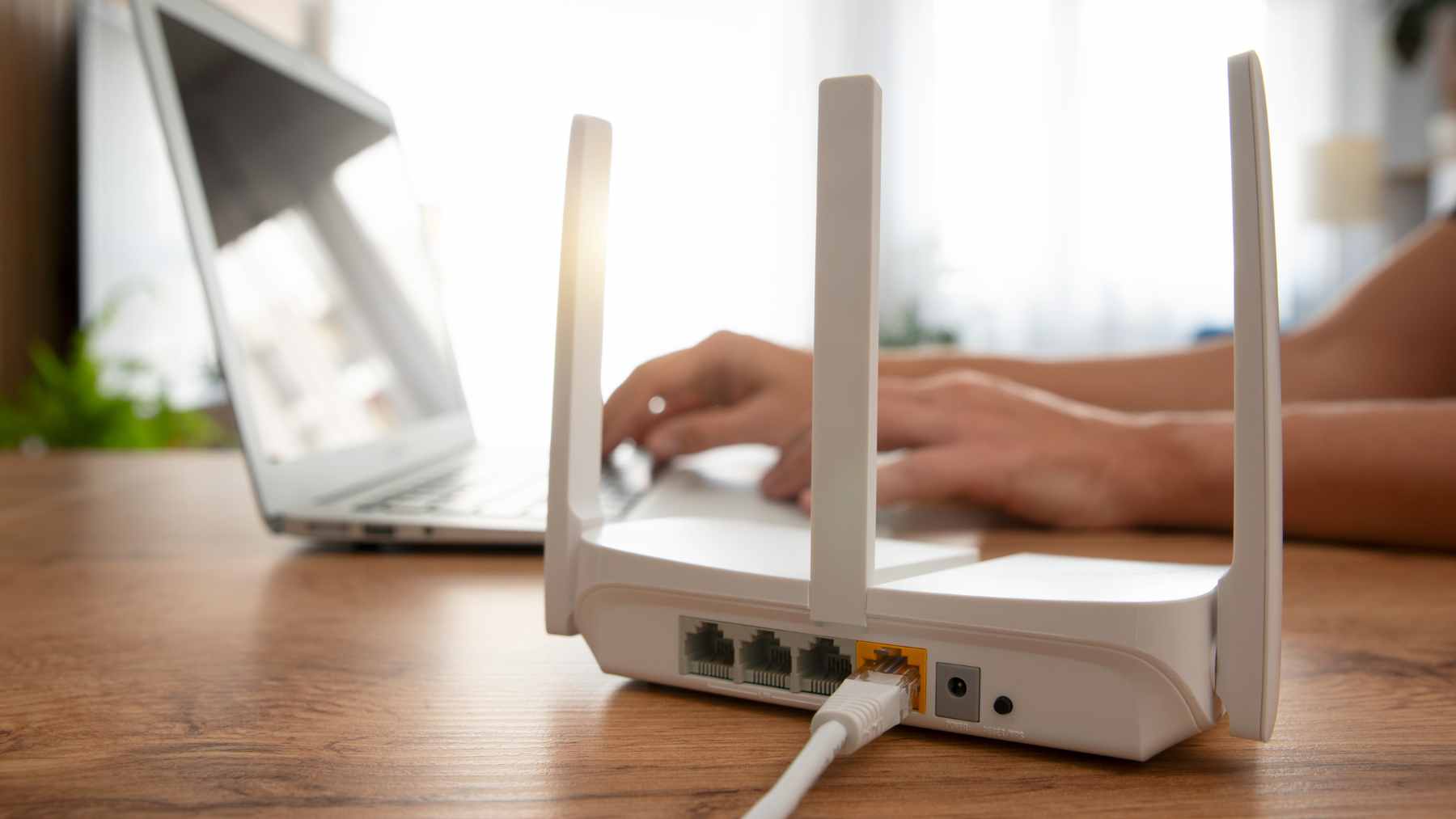
Now bring that back to your Wi-Fi problem. If you can reuse a phone you already own instead of buying a new extender, you are not just saving a trip to the store. You are potentially avoiding the upstream emissions and material demand that come with manufacturing yet another box, cable, and power adapter.
That said, “free” does not mean zero energy. A dedicated mesh extender can draw a few watts around the clock, and Eero, for instance, lists 4.7W typical power consumption for an eero 6 Extender under standardized testing.
Routers themselves often sit in the 5W to 20W range, and they run 24/7, which is why they show up on the electric bill more than you would expect.
The business story behind your Wi-Fi dead zones
Wi-Fi dead zones are one reason internet providers and hardware brands can keep selling add-ons. Extenders and mesh kits solve a real problem, but they also turn home networking into a steady upsell, especially when people work from home and cannot tolerate another frozen video call.
The Global E-waste Monitor messaging makes the other side of that business case pretty clear. It is not just about trash, it is about resources and money left on the table.
The UN press release tied to the report points to billions of dollars in recoverable materials going missing from formal recycling channels, and it highlights that just 1% of rare-earth element demand is met by e-waste recycling.
In practical terms, “use what you already have” is not just a lifestyle slogan. It is a pressure valve on supply chains that rely on mining, global shipping, and complex manufacturing, and it is why reuse and refurbishment keep showing up in sustainability plans.
Even Les Numériques flags the real-world limitation, though, since very old phones may have weaker Wi-Fi chips than your router, so performance can be hit or miss.
Security and defense-minded caution
Turning an old phone into a network node is basically adding a new entry point to your home internet. That is fine if you treat it like you would any router, with strong security settings and an up-to-date device, but it is not something to do casually and forget about.
There is a reason “Wi-Fi sharing” shows up in security documentation, including Defense Department security guidance.
DISA’s STIG language describes Wi-Fi sharing as an optional configuration that can let other devices access a Wi-Fi network through the phone, and it explicitly warns it may bypass network access controls. That is the kind of risk a military or enterprise environment tries hard to eliminate.
Even if you are just doing this at home, the lesson translates. Before repurposing an old phone, wipe it properly, remove old accounts, and reset it so you are not running a mini access point full of stale apps and old logins.
The University of Utah, citing CISA guidance, recommends a hard or factory reset for smartphones and tablets before disposal or donation, and the same baseline hygiene makes sense before you plug that device in 24/7 as a hotspot.
A practical checklist before you plug it in and forget it
First, confirm your phone can actually share Wi-Fi through hotspots. On many Samsung Galaxy devices, Samsung says you can enable “Wi-Fi Sharing” from the hotspot options menu when the phone is already connected to Wi-Fi, which is what makes the repeater-style setup possible.
Next, place it like you would any extender. Somewhere with a good signal from the router, but close enough to the dead zone to help, and always near a power outlet because hotspot use drains battery fast and can generate heat over time.
Finally, be honest about what you need. If you are trying to push high-speed gaming through multiple walls, you will probably want a real mesh system or a wired access point, and you should recycle or refurbish that old phone instead.
But if the goal is simply to get stable coverage for browsing and streaming in the one room that always struggles, repurposing a spare device is a small, surprisingly meaningful step toward cutting e-waste.